

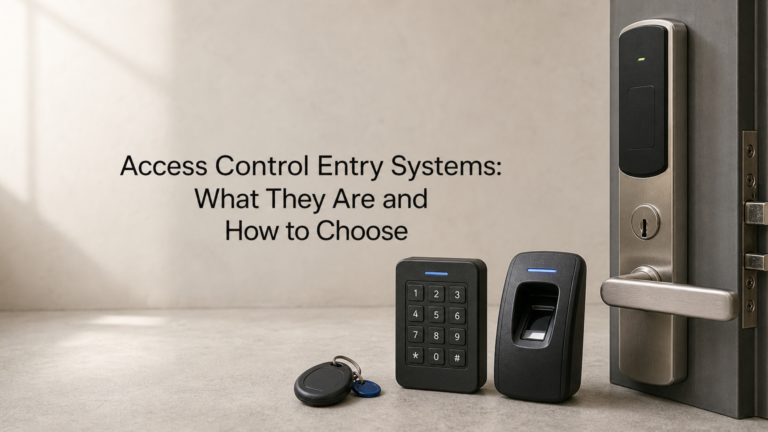
Every unmanaged door is a decision waiting to go wrong: who gets in, who doesn’t, and who’s accountable when something goes missing. That’s the problem access control entry systems solve. Instead of relying on keys that get copied or lost, these systems use cards, fobs, codes, or biometrics to control exactly who can open which door, and they log every attempt so you have a record when something needs investigating.
If you’re weighing up options for an office, warehouse, retail unit, or multi-tenant building, you need to know what’s actually on the market before you commit to a supplier. There’s a real difference between a standalone keypad on one door and a networked door entry system managing dozens of access points across a site, and the right choice depends on your building layout, staff numbers, and budget.
This article walks through what these systems are, the main types available, from proximity cards to mobile credentials, and the practical factors that separate a good fit from an expensive mistake. By the end, you’ll have a clear framework for choosing and buying a solution that matches how your building actually operates, not just what a salesperson recommends.
Why access control entry systems matter for your building
A lost key is never just a lost key. Once someone walks off site with a master key or a fob that opens every internal door, you’re stuck choosing between an expensive rekeying job or living with the risk that a stranger, a disgruntled ex-employee, or a contractor’s mate now has free run of your building. Access control door entry systems remove that guesswork by tying entry to something you can switch off instantly, a card, a code, or a phone credential, rather than a physical object you can’t track once it leaves the building.
The hidden cost of lost and copied keys
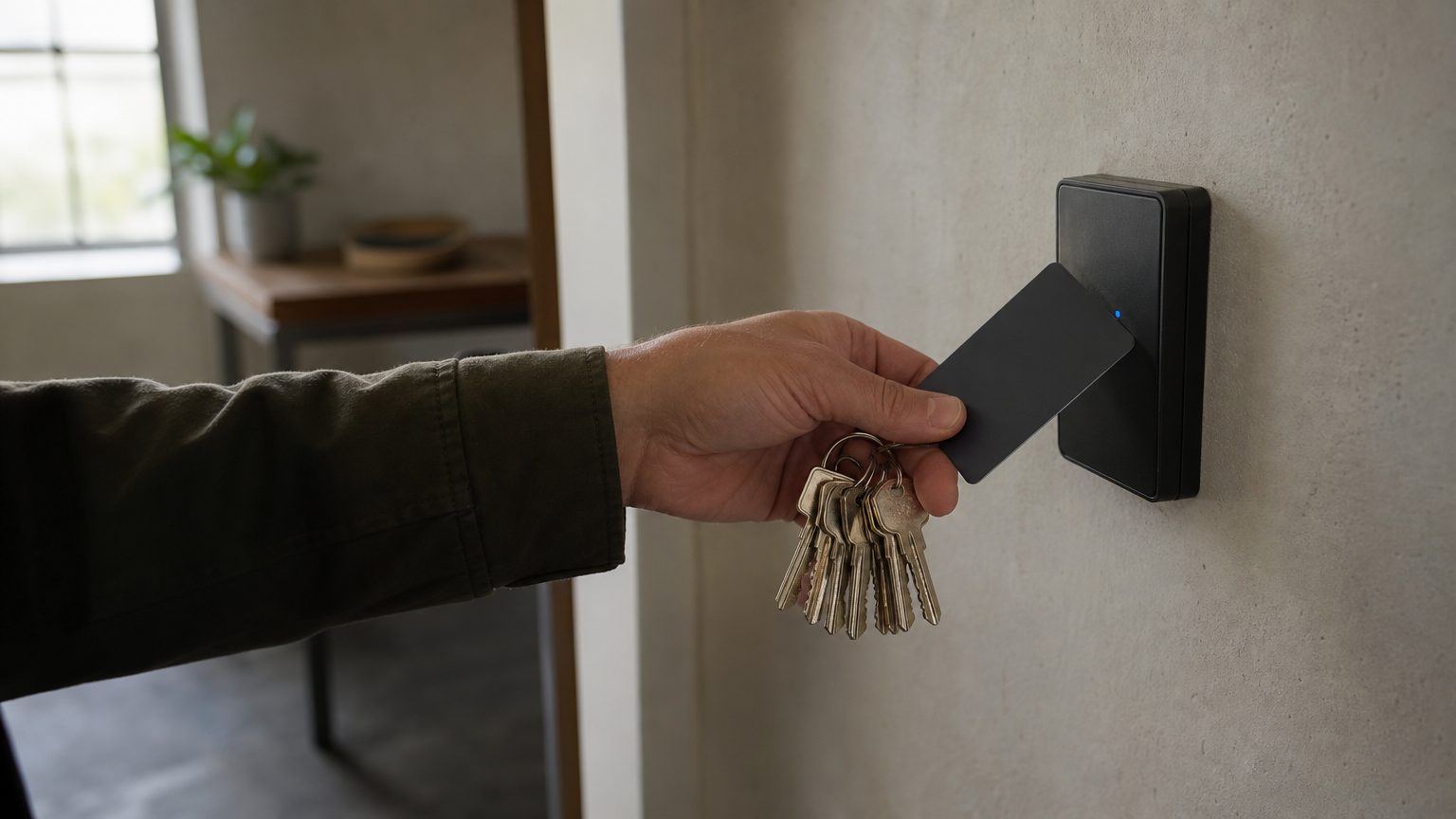
Keys get copied at a hardware shop for a few pounds, and nobody logs it. Once that happens, you have no idea how many duplicates exist or who holds them. Traditional lock-and-key systems offer no record of who used a door or when, so if stock goes missing overnight or a server room gets accessed outside hours, you’re left guessing. Swapping to card or fob-based entry means you can deactivate a single credential the moment someone leaves, without touching the lock itself.
| Factor | Traditional keys | Access control entry system |
|---|---|---|
| Lost credential | Rekey the whole door or building | Deactivate one card or code |
| Access record | None | Full timestamped log |
| Multiple entry points | Separate key per door often needed | One credential, multiple permissions |
| Staff turnover | Physical collection required | Instant remote revocation |
| Out-of-hours control | Impossible to restrict by time | Time-based access rules |
Accountability: who went where, and when
Every credential-based entry creates a timestamped record, so when something goes wrong, you’re not relying on memory or CCTV alone. Facilities managers investigating a theft, a health and safety incident, or a dispute over who left a fire door propped open can pull an access log and see exactly which credential opened which door and at what time. This matters most in multi-tenant buildings and warehouses, where warehouse security has to cope with dozens of people moving through the same entrances daily, and it matters just as much on smaller sites where a single unexplained access event needs a fast, factual answer rather than a guess.
An access control log turns "we’re not sure who was there" into a documented fact in seconds.
Efficiency gains facilities teams actually notice
Beyond the security case, these systems save time. Nobody needs to physically hand over or collect keys when staff join, leave, or change roles, and you can grant a contractor temporary access for a single afternoon without cutting a new key that has to be tracked down afterwards. Consider the day-to-day tasks access control removes or simplifies:
- Reissuing keys after staff turnover
- Manually locking and unlocking multiple doors at set times
- Chasing down who holds spare keys
- Restricting access to sensitive areas like server rooms or cash offices
- Coordinating contractor or visitor access on short notice
Multiply that across a site with several buildings or a business with several sites, and the administrative saving becomes as compelling as the security benefit.
Insurance, tenants and reputation
Regularly, insurers and commercial landlords now expect some level of documented access management as a condition of cover or lease compliance, particularly for premises holding stock, cash, or sensitive data. Tenants in multi-occupancy buildings also increasingly ask about entry security before signing, treating it the same way they’d ask about fire safety provisions. Getting this right isn’t just an operational nicety, it’s becoming a baseline expectation that affects your insurance premiums, your lease negotiations, and how seriously prospective tenants or clients take your building. If you’re weighing up whether to combine electronic entry with on-site personnel, our guide to access control systems for UK businesses breaks down how the two work together.
How to choose the right access control entry system
Before you look at a single product brochure, walk your building with a notepad. Choosing the right access control entry system starts with understanding your actual entry points, not a generic checklist a supplier hands you. Count your doors, note which ones need restricted access versus general staff access, and work out how many people need credentials on day one versus how many you’ll add over the next few years. Skipping this step is how businesses end up with systems that are either overkill for a single-door office or too limited for a growing warehouse.
Map your doors and your risk
Getting this wrong is expensive, because retrofitting a system designed for three doors to handle thirty means replacing controllers, not just adding readers. Grade every entry point by what’s behind it: a stationery cupboard doesn’t need the same control as a server room or a cash office. Sites with multiple buildings or shared corridors, such as multi-tenant buildings, need a system that can segment access by zone and by tenant, so one company’s staff can’t wander into another’s suite.
The right system fits the doors you have today and the doors you’ll add tomorrow, not the other way round.
Match the credential type to how people actually work
Staff behaviour should drive your credential choice more than novelty. A construction site security setup with high glove use and dirty hands suits keypads or fobs better than fingerprint readers. An office with a young, phone-native workforce might get faster adoption from mobile credentials than physical cards. Consider these factors when narrowing down options:
- Number of users and how often staff turn over
- Environment, including dust, moisture, or protective equipment that affects biometric readers
- Speed needed at peak entry times, such as shift changeovers
- Remote management requirements if you oversee several sites
- Integration with existing CCTV, fire alarms, or building management software
Compare suppliers on substance, not just price
Quotes vary wildly because suppliers price different service levels under the same product name. Request a breakdown that separates hardware, installation, software licensing, and ongoing support, so you’re comparing like for like rather than a cheap headline figure that balloons once maintenance is added.
| What to ask a supplier | Why it matters |
|---|---|
| Is software licensed annually or one-off? | Affects long-term running costs |
| Can the system scale without replacing controllers? | Avoids costly retrofits later |
| What’s the response time for faults? | Determines downtime risk |
| Does it integrate with existing fire and CCTV systems? | Prevents costly rip-and-replace |
| Who holds the data and where? | Relevant for GDPR compliance |
Running this comparison properly, rather than accepting the first proposal, is what separates a system that serves your building for a decade from one you’re replacing in three years.
Types of access control entry systems explained
Walking into a security supplier’s showroom without knowing your options leaves you at the mercy of whatever they stock. Access control entry systems fall into a handful of core categories, and each suits a different mix of building, budget, and staff behaviour. Knowing the trade-offs before you buy means you’re choosing based on fit, not on whatever the rep pushes hardest.
Card and fob-based systems
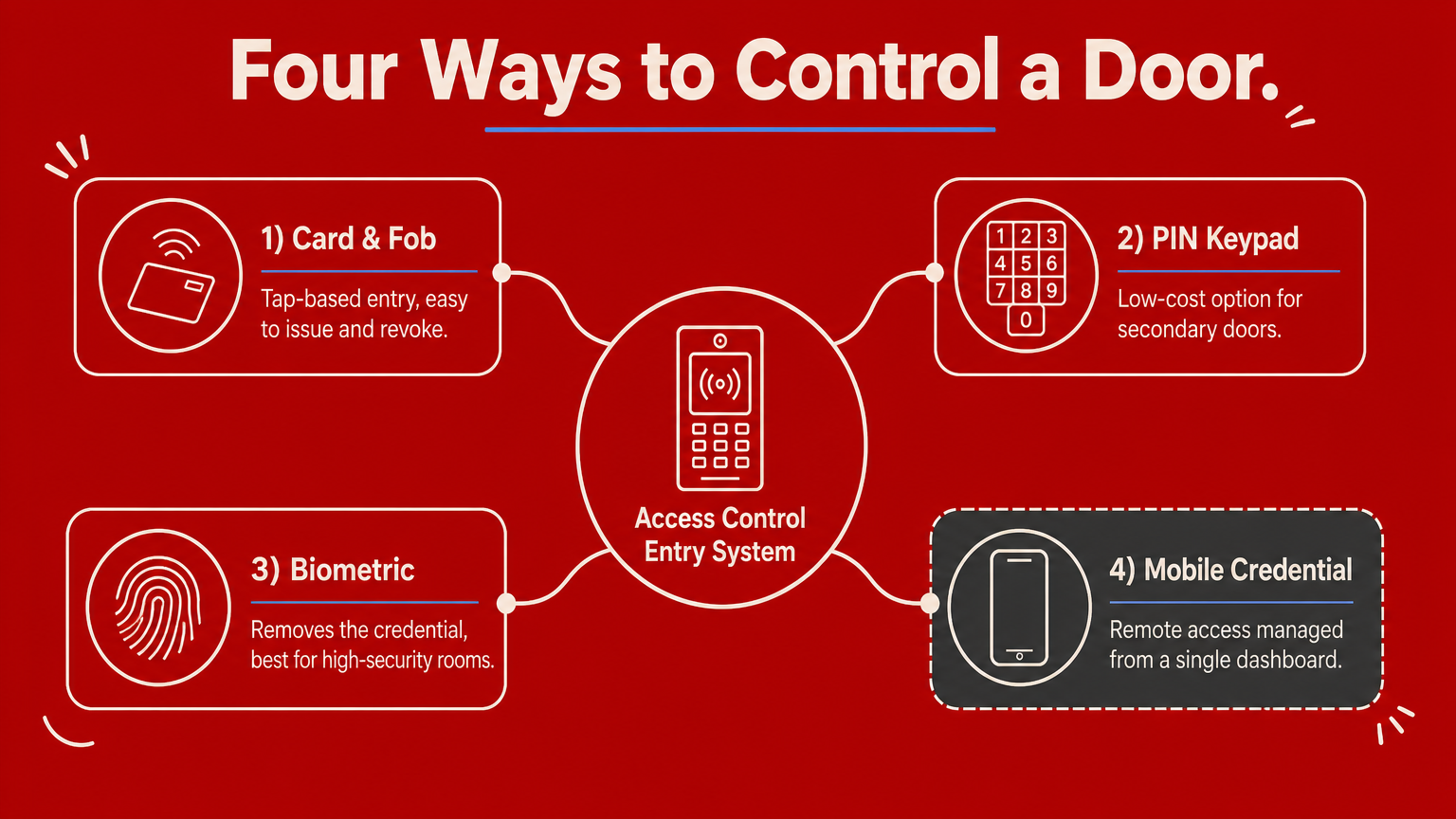
Proximity cards and key fobs remain the most common choice for offices, warehouses, and retail units because they’re cheap to issue and simple for staff to use. Each fob-based system ties a unique code to one person, so lost cards get deactivated instantly rather than triggering a full rekey. The downside is that cards get lent between colleagues more easily than most managers realise, which weakens the accountability the system is meant to provide.
PIN keypads and standalone locks
Keypads suit low-traffic doors, storage rooms, or sites where issuing physical credentials to every visitor isn’t practical. They’re the cheapest option to install and need no card-printing infrastructure, but shared codes spread fast and rarely get changed often enough. Standalone keypad locks work well as a secondary layer on doors that don’t need individual tracking, such as a plant room, rather than as your main door entry system.
Biometric readers
Fingerprint, iris, and facial recognition readers remove the credential entirely, since your body is the key. This suits high-security areas like server rooms or cash offices where you need certainty that the credential can’t be lent or stolen. Dust, gloves, and wet hands cause false rejections on construction sites and warehouses, so biometrics work best in controlled office environments rather than industrial ones.
No single credential type suits every door in a building, which is why most sites end up running a mix.
Mobile credentials and cloud-based access
Smartphone-based access is growing fast because it removes the physical card altogether and lets facilities teams grant or revoke access remotely from a browser. Cloud-managed systems suit businesses with several sites, since one dashboard controls every door without on-site server hardware. The trade-off is dependence on staff carrying charged phones and a stable network connection, which matters if you’re covering a site with patchy signal.
| Type | Best suited to | Main limitation |
|---|---|---|
| Card or fob | Offices, warehouses, retail | Can be lent between staff |
| PIN keypad | Low-traffic or secondary doors | Codes shared and rarely changed |
| Biometric | High-security rooms, offices | Struggles with dirt, gloves, moisture |
| Mobile credential | Multi-site, remote management | Relies on phone battery and signal |
Most mid-sized buildings end up combining two or three of these, using fobs for general staff access and biometrics or keypads for the handful of doors that genuinely need tighter control.
How access control works with fire safety and guards
An access control system that ignores fire safety is a system waiting to cause a serious incident. Every door fitted with electronic locking must still allow instant escape in an emergency, and getting this wrong isn’t just a compliance failure, it’s a genuine risk to life. Fire safety compliance has to sit at the centre of any installation plan, not as an afterthought once the readers are already on the wall.
Fail-safe versus fail-secure locking
Every electronic lock behaves one of two ways when power cuts out, and choosing wrong creates real danger. Fail-safe locks unlock automatically on power loss, which suits fire escape routes and doors along an evacuation path, since people can always get out even if the system fails. Fail-secure locks stay locked without power, which suits doors protecting valuables or restricted areas where you’d rather keep intruders out during a blackout than risk an open door. Getting these mixed up on the wrong door either traps people during a fire or leaves a stockroom wide open during a power cut, so this decision needs input from a fire risk assessor, not just the installer.
A door that fails to lock during a fire alarm is doing its job. A door that fails to unlock is a hazard.
Integrating with fire alarms and break-glass units
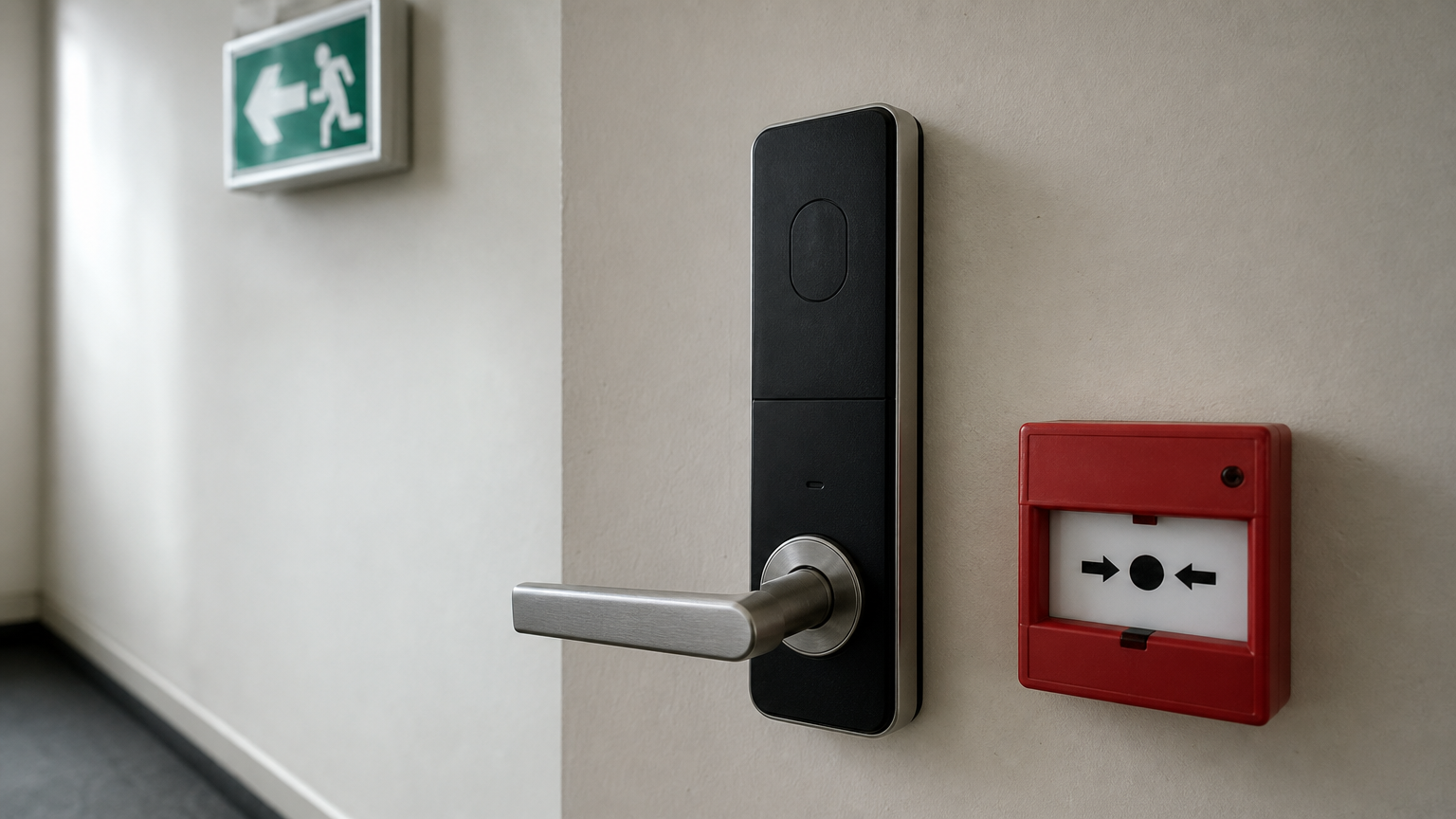
A properly specified system links directly to your fire alarm panel, so a triggered alarm releases every door on the escape route automatically, without staff needing to remember an override code under stress. Break-glass units should sit alongside electronic readers on any door forming part of an evacuation route, giving a manual override that works even if the electronic system has a fault. Building managers should test this integration during routine fire drills, not just at handover, since firmware updates and system changes can quietly break the link between the alarm and the door release without anyone noticing until it matters.
Where guards fit alongside electronic access
Electronic systems handle routine entry well, but they can’t judge intent, challenge someone tailgating through a door, or respond physically to an incident. That’s where manned guarding services still earn their place, particularly at main entrances, loading bays, and sites with high visitor footfall where a person needs to verify identity beyond what a card reader can confirm. Guards can also manage the access control system itself, issuing temporary credentials to visitors, monitoring the log for unusual activity, and stepping in when a door alarm sounds. Combining trained personnel with electronic access gives you both the audit trail and the human judgement that neither element provides alone, which is exactly the balance our guide to access control systems for businesses covers in more depth for sites weighing up the mix.
UK standards, compliance and costs to expect
Buying an access control entry system without checking the standards behind it is how businesses end up with a setup that fails a fire risk assessment or falls foul of data protection rules months after installation. UK compliance for these systems pulls together building regulations, fire safety law, and data protection legislation, and a competent installer should be able to speak to all three without prompting.
Standards and certifications to look for
Reputable installers work to BS EN 60839, the European standard covering alarm and electronic security systems, and many carry accreditation from the National Security Inspectorate (NSI) or SSAIB, the two main UK certification bodies for security installers. Ask any supplier for evidence of accreditation before signing, since it confirms their installation practices have been independently audited rather than taken on trust. The Regulatory Reform (Fire Safety) Order 2005 also applies directly to any door fitted with electronic locking, since the responsible person for a building must ensure escape routes stay usable at all times, not just when the system is working correctly.
A certified installer isn’t a nice-to-have, it’s your evidence that the system actually meets the standard it claims to.
Data protection and biometric data
Given that access logs and biometric templates count as personal data, any system storing fingerprints or facial scans falls under UK GDPR and the Data Protection Act 2018. You need a lawful basis for processing that data, a clear retention policy, and a way to delete records when someone leaves the business. The Information Commissioner’s Office treats biometric data as sensitive, so systems that only need to prove an entry occurred, rather than identify a face, often sit more comfortably with card or fob credentials that avoid the extra compliance burden entirely.
What you should budget for
Costs vary enormously depending on door count, credential type, and whether you need cloud management, so treat any single quoted figure with caution until you’ve broken it down by category.
| Cost element | Typical range | Notes |
|---|---|---|
| Reader and controller per door | £300 to £800 | Biometric readers sit at the top end |
| Installation and cabling | £150 to £500 per door | Higher for retrofits on older buildings |
| Software licensing | £5 to £15 per user, per month | Often waived for one-off on-premise systems |
| Ongoing maintenance | 10 to 15% of system cost, annually | Covers firmware, faults, callouts |
| Credential issuance | £2 to £10 per card or fob | Mobile credentials often cheaper long-term |
Requesting these figures broken out separately, rather than as one bundled quote, is the only reliable way to compare suppliers fairly and spot where hidden ongoing costs are being buried under a lower headline price.
Getting access control right for your premises
Getting access control entry systems right comes down to matching the technology to how your building actually operates, not to whatever a supplier happens to have in stock. Walk your doors, grade the risk behind each one, and choose credentials that fit your staff and environment rather than the newest option on the shelf. Check that fire safety and fail-safe locking are built into the plan from day one, and confirm your installer’s accreditation before you sign anything.
None of this works in isolation, though. Electronic access handles the routine, logged entry, but it still needs human judgement at busy entrances, loading bays, and sites with high visitor footfall. If you’re weighing up how guards and technology fit together on your premises, read our advice on choosing a security company in the UK, then let Nexus Security Services talk you through a setup that suits your building, your budget, and your risk profile.


0 Comments