

A control room is only as good as the decisions made when the screen goes dark, a door alarm repeats, or a patrol officer misses a check call. Security control room procedures turn those moments into calm, accountable action rather than guesswork.
For commercial buildings, the work is repetitive by design: monitor, verify, record, communicate, escalate. The detail matters because small gaps, an unlogged fault or an unclear handover, become real problems at three o’clock in the morning.
Key takeaways
- Every security control room shift needs a documented start-up check, a clear live status picture and a proper handover.
- Operators should verify alarms before escalating where it’s safe to do so, then record facts, timings and actions.
- Access to the control room, recorded footage and system permissions must be tightly controlled.
- Lone-worker welfare, system failures and emergency communications need agreed fallback arrangements.
- Procedures must match the site’s risk assessment, client contract, privacy obligations and applicable law.
A camera image isn’t an incident report. The operator’s time-stamped record of what was seen, heard, checked and communicated is often the more useful operational evidence.
What a commercial security control room must do
A commercial security control room brings together CCTV, access control, intruder alarms, fire panels, intercoms, lift alarms and field communications. Its job is not to watch every screen without pause. It is to recognise exceptions, assess risk and direct the right response.
Monitor alarms in context
A CCTV control room supports commercial building security through CCTV monitoring, rather than passive screen-watching. Operators should assess alarm systems alongside live camera feeds, door events, building occupancy, planned works and current patrol activity. A forced-door alert during a contractor delivery may have an ordinary explanation. The same alert beside a closed office floor at night needs immediate attention.
Operators should not silence, reset or disregard an alarm until the approved procedure permits it. Where a fire alarm activates, the building’s fire emergency plan takes precedence. The control room must notify the nominated responsible person and emergency services where required by that plan.
Maintain awareness across the building
A well-run security control room has a live picture of what is normal: open entrances, expected deliveries, isolated zones, vulnerable areas and officers working alone. Multi-site monitoring needs the same discipline, with each property clearly identified and local escalation contacts available.
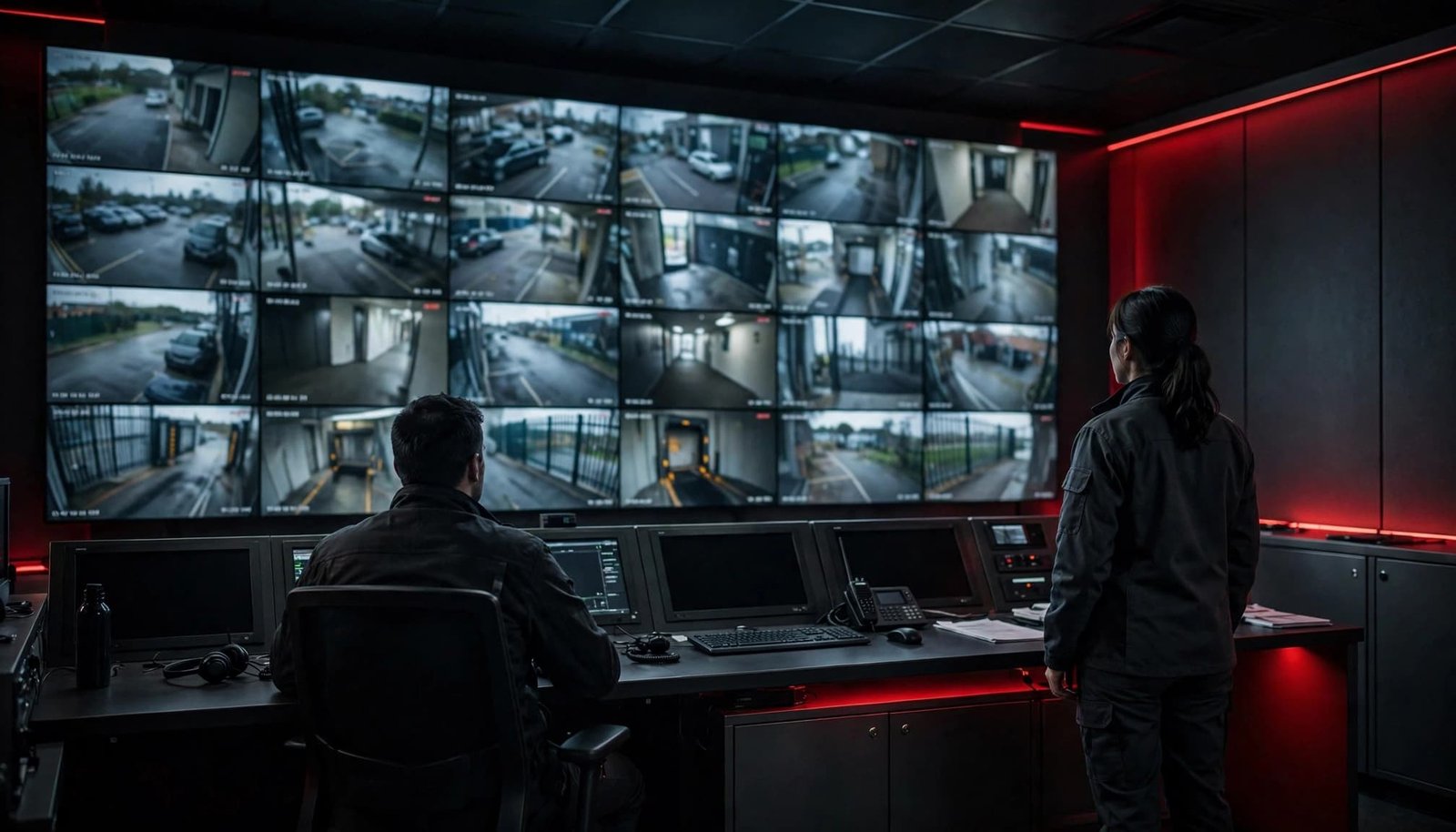
This is where display management software, sensible camera naming and agreed alarm priorities matter. A wall of moving images can look impressive whilst telling the operator very little.
Security control room procedures for every shift
The security supervisor should own the current security control room SOPs, with clear responsibilities for operators, mobile officers, building management, maintenance providers and IT. The approved standard operating procedure should be available at the control position.
Start with a documented system check
A start-up check confirms whether the control room can carry out its agreed duties. It is not an informal glance at a few screens.
| Check area | Confirm at shift start | Record or escalate |
|---|---|---|
| CCTV | Key cameras display live images, recording status is normal and display management software is working | Report camera loss, obscured views or recorder faults |
| Access control | Priority doors, intercoms and alarm events are communicating | Report offline readers, held-open doors and failed locks |
| Communications | Radios, telephones and approved emergency contacts work | Escalate dead radios or unavailable contacts |
| Building status | Open works, isolated systems and expected visitors are known | Enter restrictions and temporary controls in the daily log |
| Welfare | Lone-worker roster and check-call times are current | Resolve missing contact details before deployment |
The security control room operator should record the actual check time, faults found, the person notified and any temporary measure in place. “System checked” is too vague to be useful later.
Make handover a controlled process
The outgoing operator should brief the incoming operator before leaving the control room. Cover current incidents, unresolved faults, temporary access arrangements, visitors still on site, welfare check calls, keys or passes issued, and expected activity during the next shift.
The incoming operator should read the daily logbook, confirm they understand outstanding actions and take responsibility at a recorded time. This controlled shift handover should leave no uncertainty about ownership. The security supervisor should review gaps, repeated alarms and overdue contractor repairs rather than letting them disappear into routine paperwork.
Respond to incidents with verification and escalation
Fast action matters in a security control room. So does avoiding a rushed response built on an untested alarm. The operator’s first task is to establish the facts without placing anyone at additional risk.
Verify, classify, then act
Effective incident response starts by checking the alert source, relevant cctv control room view, access control events and building information. Contact a nearby officer only where the task is safe and within their instructions. Do not send a lone officer into an uncertain confrontation simply to obtain a better view.
Classify the event using the approved incident categories. An example is a security breach, medical emergency, fire-related event, welfare concern, system fault or suspicious activity. The category should trigger a set response and escalation route.
For an immediate threat to life or serious crime, follow emergency protocols and contact emergency services without waiting for perfect information. State the building address, exact location, known hazard, description of events and the number of people involved, then keep the line open where instructed. This is emergency escalation, not routine alarm response.
Communicate facts, not assumptions
Use plain language on radios and telephones. Give a location, issue, action requested and callback point. Avoid broadcasting personal data, access codes, alarm response details or unverified claims.
The incident reporting log should capture:
- the alarm or report received, with time and source;
- observations from CCTV, access systems or staff;
- people contacted, instructions given and responses received;
- escalation to building management, approved responders or emergency services; and
- the resolution, outstanding risk and reference numbers.
The security control room’s control room operator should ensure a supervisor reviews serious incidents before shift end where possible. If building management need an update, provide a factual account, not a speculative one.
Protect access, footage and confidential information
The security control room is a restricted operational area, not a convenient place to collect parcels, make calls or wait for a colleague. Unauthorised access risks confidential information, security systems and the integrity of records.
Limit physical access and permissions
Use access control to limit entry to authorised staff, escorted visitors and approved engineers. Keep the room locked when it is unattended. Record every visitor’s name, company, purpose, arrival and departure, plus the member of staff who authorised access.
System accounts should be personal, not shared. Operators need the permissions required for their duties, and no more. Supervisors should arrange prompt removal of access when staff leave, change role or finish a contract.
Handle footage as potential evidence
Recorded footage may contain personal data. In a cctv control room, restrict viewing and exporting to authorised staff. The ICO’s video-surveillance guidance sets out the need for a lawful, fair and transparent approach to CCTV use.
When footage relates to an incident, preserve the original recording under the site’s approved process. For record keeping, log the camera reference, time range, operator, export method, recipient and reason for release. Store copies securely and restrict access. Don’t edit the original or send clips through personal email or messaging accounts.
Retention should be based on the stated purpose and reviewed regularly. There is no sensible universal retention period for every commercial building.
Look after lone workers and field teams
A security control room may be the only person who knows where a mobile officer should be, what task they’re doing and when contact was last made. That responsibility needs more than a radio on a desk. Welfare procedures support guard operations, but don’t replace the employer’s risk assessment.
Set check calls around actual risk
The employer’s risk assessment should set the frequency and method of check calls. A reception officer in a staffed daytime building may need a different arrangement from an officer locking down an empty multi-storey site at night.
Record the officer’s name, location, patrol routes, task, expected finish time and escalation contact. Guidance on assessing risks to lone workers reinforces the need to identify hazards and apply practical controls.
Escalate missed contact properly
A missed check call is not automatically an emergency, but it’s never something to ignore. Attempt the agreed contact methods, check live location or patrol information where available, notify the supervisor and arrange the approved welfare response.
Don’t ask an unprepared colleague to enter a potentially unsafe area alone. The control room should follow the site plan, which may involve building management, an approved responder or emergency services.
Build continuity into systems and staffing
Technology supports reliable control-room practice in a security control room. It doesn’t replace operator judgement, clear responsibility or a tested fallback plan.
Use equipment that supports the operation
Network video recorders, secure storage, video wall processors and display management software can help operators focus on priority alarms. av over ip can make it easier to route camera feeds and workstation signals across a larger estate. KVM extension can allow approved users to work with systems held in a secure technical location.
None of this is mandatory in every building. Choose equipment around the risk profile, response model, number of sites and available support, not because a control room looks more modern with extra screens. Consider whether av over ip supports resilient routing and whether suppliers can provide timely technical support.
Plan for power, network and system failure
Document what operators must do if CCTV, access control, alarm signalling, telephones or mains power fail. This should include the backup power position, radio channels, emergency contact list, manual visitor process, increased patrols and the person responsible for calling technical support.

Cyber-security ownership must also be clear. IT and security teams should agree who manages updates, account reviews, network segmentation, supplier remote access and incident reporting. Operators should report unusual system behaviour, but they shouldn’t make unapproved configuration changes during a live fault.
Keep privacy, fatigue and improvement on the agenda
The Surveillance Camera Code of Practice applies to surveillance-camera systems in public places in England and Wales. Its principles, clear policies, controlled access and proportionate use of information are sensible reference points for wider commercial operations.
Treat people fairly and protect information
CCTV should have a clear purpose. Operators should only view, search, export or share footage for authorised reasons. Workplace cameras require particular care, as NPSA guidance on CCTV within the workplace makes clear.
Brief staff on confidentiality at induction and refresh it after incidents or procedural changes. Screens should not be visible to unauthorised visitors. Printed logs, body-worn video and evidence media need the same controlled handling as camera footage.
Manage fatigue before it causes errors
Prolonged passive monitoring can reduce attention and weaken decision-making in a security control room. Supervisors should plan breaks, rotate demanding tasks where staffing permits and limit unnecessary distractions. A tired operator may miss ordinary warning signs, such as a camera stuck on replay, repeated access alarms or an officer who has not checked in.
Review incidents, false alarms, equipment faults and near misses at regular intervals. Update procedures after a genuine lesson, then test the change through a short drill. A document that is never tested is decorative.
Frequently asked questions
What does a security control room operator do during an alarm?
During alarm response, the operator receives the signal, checks approved information sources, assesses the risk, contacts the appropriate person and records every material action. Emergency procedures override routine verification where there is an immediate threat to life or property.
Who can enter a security control room?
Only authorised staff, approved contractors and escorted visitors should enter. The local procedure should set the access list, visitor record, escort requirement and restrictions on photography, phones and system access.
How often should CCTV footage be kept?
Keep it only for as long as the documented purpose requires, then securely delete or overwrite it under the organisation’s policy. Footage connected to an incident, complaint, insurance matter or lawful request may need separate preservation.
What should happen when a camera or network fails?
Log the fault immediately, notify the named technical contact and apply the site’s fallback controls. Those may include extra patrols, restricted access, manual sign-in or temporary staffing at a vulnerable entrance.
A control room procedure is only real when it is used
The strongest practical procedures are current and understood by the people working the shift. A well-run security control room allows room for judgement, but never leaves essential decisions to memory.
Accurate logs, controlled evidence, respectful communication and tested contingencies give building management a reliable account of what happened. That’s the standard worth maintaining.


0 Comments