

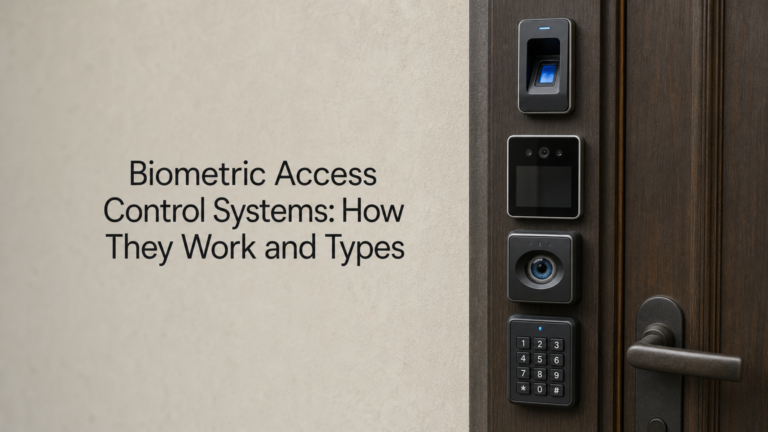
Key cards get lost, PIN codes get shared, and fobs get cloned. If you’re responsible for securing an office, warehouse, or data room, those weaknesses eventually turn into an incident report. Access control systems biometric in nature solve that problem by tying entry to something a person physically is, not something they carry or remember.
At their core, biometric access control systems scan a unique physical trait, a fingerprint, a face, an iris, or even a voice pattern, and match it against a stored template before releasing a door lock. No two employees share the same print or iris pattern, so the system verifies identity rather than just checking for a valid credential. That’s the fundamental difference between these setups and traditional card or code readers, and it’s why so many facilities managers are switching over.
This article breaks down exactly how biometrics access control systems work behind the scenes, compares the main types you’ll encounter on the market, and walks through what to consider before installing a biometric door access control system at your own premises.
Why biometric access control matters for your business
The real cost of shared credentials
Lost cards get reissued, but the damage is already done the moment someone finds a swipe card in a car park and walks straight into your building. PIN codes travel just as fast, scribbled on a sticky note or passed between shift workers who can’t be bothered logging in separately. Credential-based access relies on the assumption that the person holding the card or typing the code is who they claim to be, and that assumption breaks down constantly in busy sites like warehouses, construction compounds, and multi-tenant offices. Every one of those failures shows up later as a gap in your audit trail, which is exactly the detail insurers and auditors ask about after a theft or break-in.
Where biometrics closes the gap
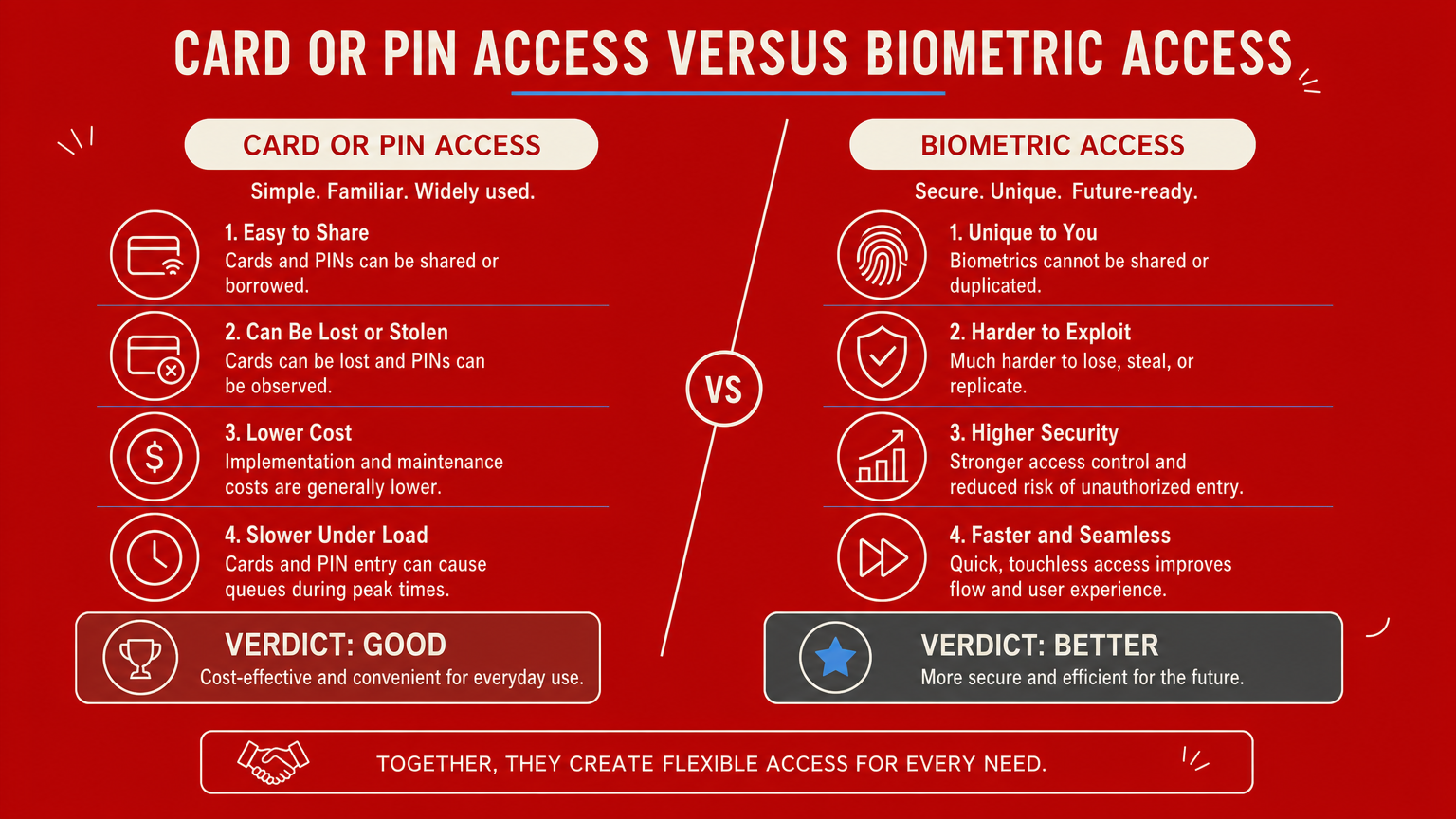
Unlike a fob or a passcode, a fingerprint or iris pattern can’t be handed to a colleague, borrowed for a night shift, or cloned with a cheap card reader bought online. That single fact is why biometric access control has moved from high-security government buildings into ordinary commercial premises over the past decade. Sites holding expensive plant, stock, or client data increasingly pair a biometric access control system with manned guarding services already on site, so the guard on the gate handles visitors and deliveries while the biometric reader locks down staff-only zones like server rooms, plant compounds, or cash offices.
A fingerprint can’t be lent to a colleague the way a fob can, and that single difference is what makes biometric access control worth the investment.
Measurable business benefits
Beyond stopping unauthorised entry, biometric systems give facilities managers something card systems never could: a precise, tamper-proof record of exactly who entered a space and when. That matters for compliance reporting, insurance conditions, and internal investigations alike. Consider how the two approaches actually compare in daily operation:
| Factor | Card or PIN access | Biometric access |
|---|---|---|
| Can be shared or lent | Yes | No |
| Risk of cloning | High (cheap readers exist) | Very low |
| Lost credential cost | Reissue card, rekey system | None, nothing to lose |
| Audit trail accuracy | Tied to card, not person | Tied to individual |
| Admin overhead | Ongoing card management | Low once enrolled |
Facilities teams managing several sites often find the administrative saving alone justifies the switch, since nobody needs to chase down lost fobs or update PIN lists after staff turnover. Given how often these incidents recur across UK construction sites, retail units, and offices, it’s worth reading our overview of access control for UK businesses alongside this one before deciding which approach suits your premises.
The main types of biometric access control systems
Not every biometric reader suits every building, and picking the wrong one for your environment causes more headaches than it solves. Sites with dusty warehouses, glass-fronted offices, or noisy loading bays each need a different approach to identity verification, so it helps to understand what each technology actually does before you commit budget to it.
Fingerprint scanners
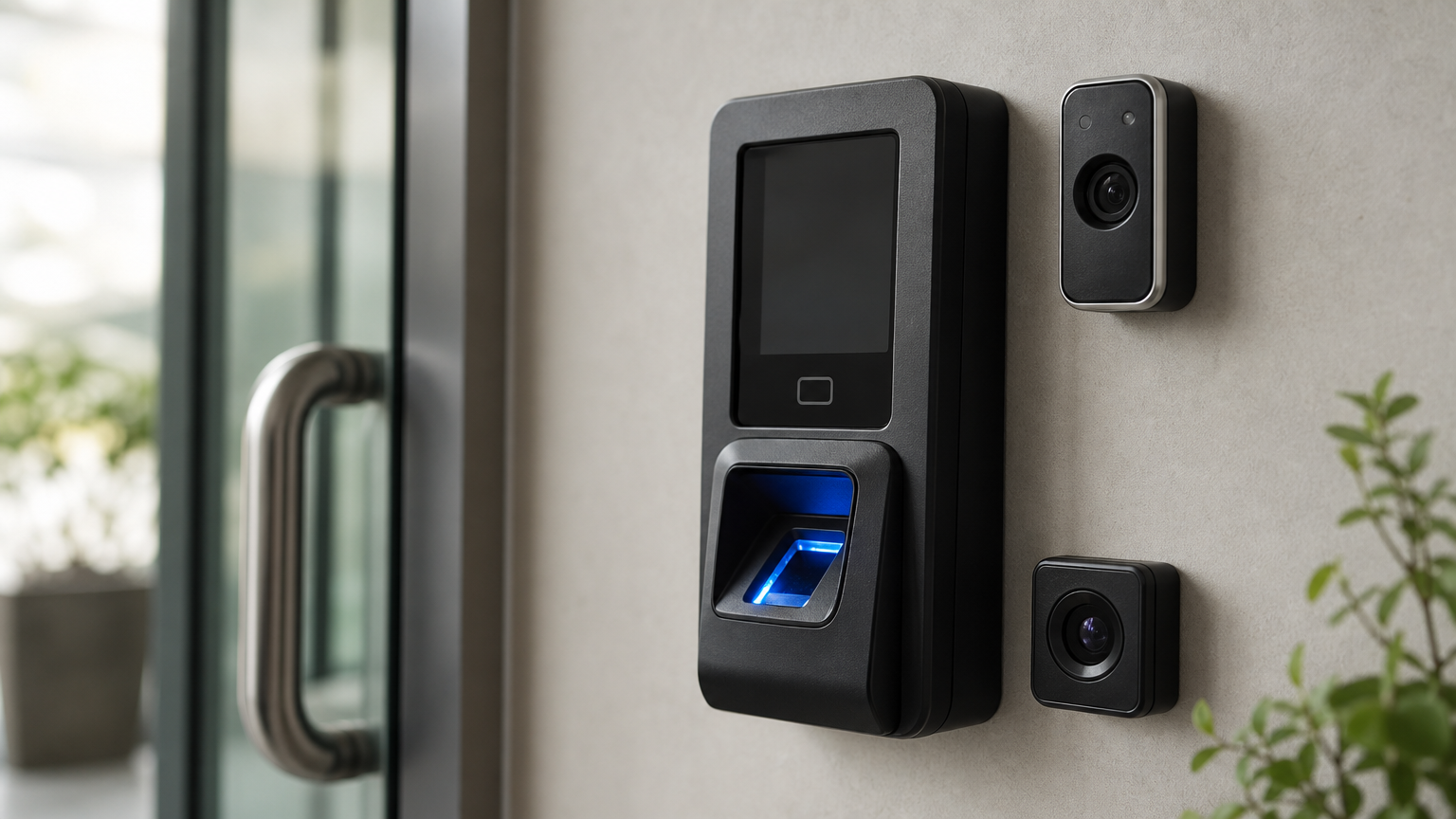
Fingerprint readers remain the most common biometric door access control system on the market, mainly because they’re cheap, fast, and familiar to most staff from unlocking their own phones. A sensor captures the ridge pattern on a finger and converts it into a mathematical template, so no actual image of the print is stored. They work well in offices and retail units, though grease, dust, or manual labour can degrade the read accuracy on a construction site, where a wider CDM 2015 site security plan usually matters more than the reader itself.
Facial recognition
Facial recognition cameras compare the geometry of someone’s face against enrolled templates, letting staff walk through a door without touching anything. That contactless element made it far more popular after 2020, and it now shows up at reception areas and server room entrances across the UK. Lighting conditions and face coverings can still cause false rejections, so installers usually pair it with a secondary PIN backup for reliability.
Iris and retina scanning
Iris scanning reads the unique pattern in the coloured part of the eye, offering one of the most accurate matches available, with error rates far lower than fingerprint systems according to the National Institute of Standards and Technology. Cost keeps it out of most commercial buildings, but data centres and high-value cash offices still use it where the stakes justify the spend.
Voice recognition
Voice pattern systems verify identity through pitch, tone, and speech rhythm, often used for remote authentication rather than physical doors. Background noise on busy sites limits reliability, so voice tends to support rather than replace a physical biometric access control system at the entry point itself.
How to choose and implement a biometric access system
Choosing the right setup starts with an honest look at your building, not a sales brochure. A biometric door access control system that works brilliantly in a clean office reception can fail within weeks on a dusty construction compound, so match the technology to the environment before you match it to a budget.
Assess the environment first
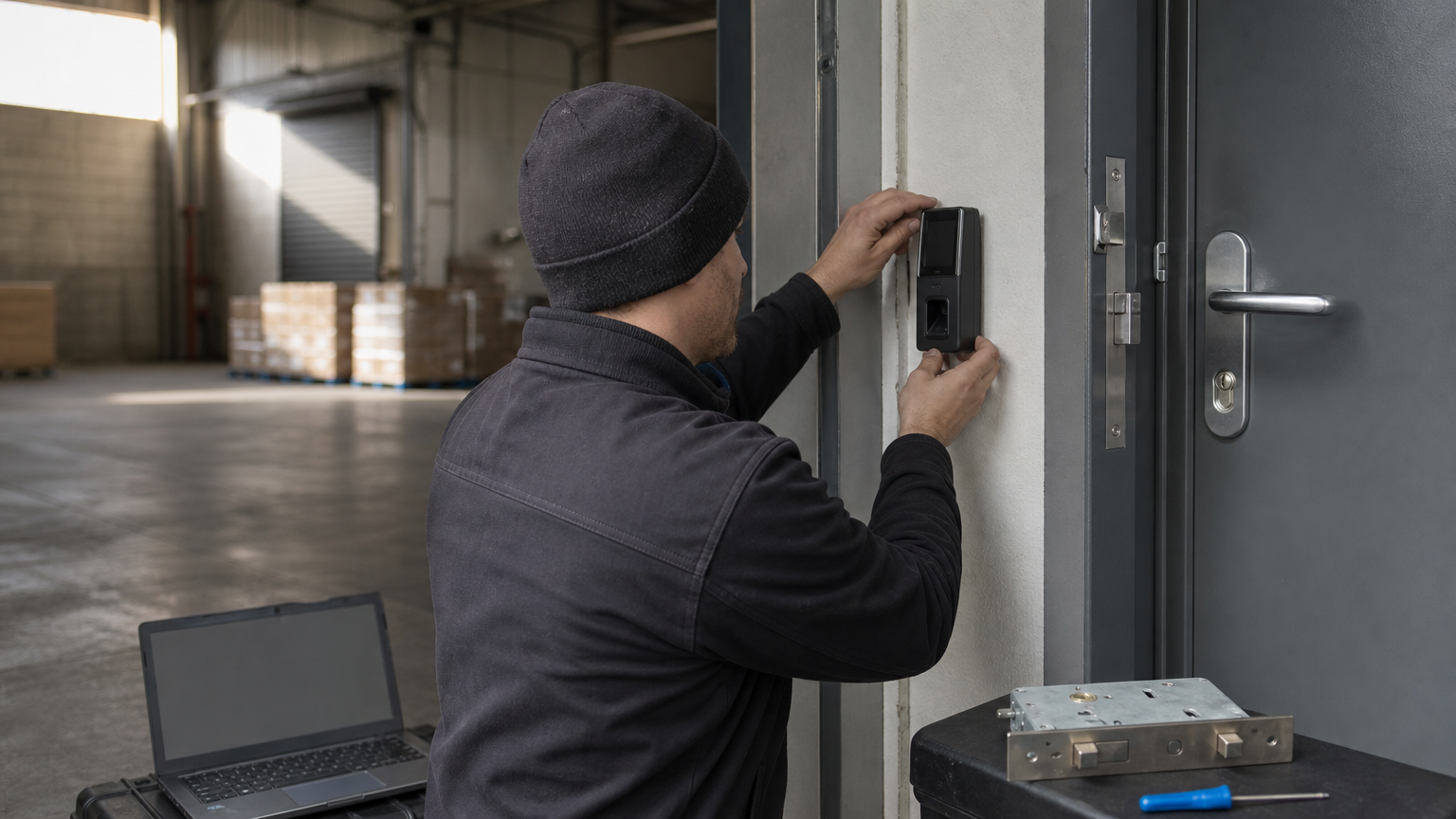
Grease, dust, gloves, and low light all affect read accuracy, so walk the site and note where staff will actually present themselves at the reader. Warehouses and construction compounds usually suit facial recognition or a rugged fingerprint reader with a PIN backup, and it pays to see how the reader fits into your broader warehouse security arrangements, while clean offices and server rooms can run standard fingerprint or iris scanners without issue. Footfall matters too: a single door handling hundreds of staff at shift change needs a faster verification method than a low-traffic plant room.
Plan the integration
A biometric access control system rarely works alone. It needs to talk to your existing door locks, alarm panel, and visitor management software, and ideally feed data into the same platform your manned guards already use for sign-in records. Ask any installer these questions before signing a contract:
- Does the reader integrate with our current access control panel, or does it require a full rip-and-replace?
- What happens to entry during a power cut or network outage?
- Can the system export logs in a format our compliance team can actually use?
- Is there a fallback credential for staff whose biometric data won’t enrol reliably?
Integration planning matters more than the reader itself, because a biometric system that can’t talk to your existing security setup creates gaps rather than closing them.
Roll it out in stages
Enrol a small pilot group first, usually facilities staff and security personnel, before expanding to the whole workforce. Staged rollout catches enrolment problems, false rejection rates, and staff resistance early, while giving your team time to write clear instructions for anyone struggling with the reader on day one.
Overcoming privacy, GDPR and reliability challenges
Biometric data carries a legal weight that card numbers never do, and any facilities manager rolling out a biometric access control system in the UK needs to treat it accordingly. Fingerprints, iris scans, and facial templates count as special category data under UK GDPR, which means you need a documented lawful basis before you enrol a single employee.
Meeting your GDPR obligations
Getting this wrong isn’t a theoretical risk, it’s an enforcement risk, so build compliance into the project from day one rather than bolting it on afterwards. The Information Commissioner’s Office expects employers to run a data protection impact assessment before deploying biometric systems, store templates securely, and give staff a genuine alternative if they refuse to enrol. Skipping that assessment leaves you exposed if an employee later complains or a breach occurs.
Treat biometric enrolment as a GDPR project first and a security upgrade second, because the legal exposure arrives long before any breach does.
Winning staff trust
Staff resistance often comes down to confusion rather than genuine objection, so clear communication solves more problems than any technical fix. Explain plainly that fingerprint readers store a mathematical template, not an actual image of the print, and that the data can’t be reverse-engineered into a usable copy. Offer a PIN or card fallback for anyone with religious, medical, or personal objections, since forcing enrolment without an alternative creates both a compliance problem and a morale one.
Building in reliability
No reader works perfectly every time, and false rejections happen more often than vendors admit, particularly with dirty sensors or changing lighting. Plan for that reality with a documented fallback procedure, whether that’s a manned guard on the door during peak hours or a secondary PIN pad wired into the same lock. Regular sensor cleaning and firmware updates cut failure rates significantly, and pairing the reader with trained security guards on site gives you a human backstop whenever the technology has an off day.
Finding the right fit for your premises
Getting a biometric access control system right comes down to matching the technology to your actual environment, not chasing the newest reader on the market. Fingerprint scanners suit clean offices, facial recognition handles busy contactless entries, and iris scanning earns its cost only where the stakes genuinely justify it. Whichever route you choose, plan the GDPR paperwork and fallback credentials before installation day, not after a complaint lands on your desk.
Remember that a biometric door access control system works best as part of a wider security setup, not a standalone fix. Pairing it with trained personnel on site catches the gaps any reader will occasionally leave, whether that’s a false rejection at shift change or a visitor who needs manual verification. If you’re weighing up biometric readers alongside guards, patrols, or a full security review, see what matters when choosing a security company in the UK, then talk to Nexus Security Services about what actually fits your premises.


0 Comments