


A good access control system installation starts before anyone drills a wall. The wrong reader, lock or permission rule can leave staff stuck outside, weaken an emergency exit or expose personal data. Follow these five steps to plan the site, select hardware, install it safely and hand over a system people can use.
Step 1: Assess the Site and Define Access Requirements
Start your access control system installation with a site survey and a clear list of access needs. Walk the building with the people who manage it each day. Security decisions made from a floor plan alone often miss delivery routes, shared doors and awkward cable paths.
Mark every entrance on a drawing. Include staff doors, fire exits, gates, lifts, storage rooms, server rooms and tenant areas. Record how each door works now, who uses it, when traffic peaks and what happens if the system loses power or network access.
Then group doors by risk and use. A main entrance may need quick card access for many people. A stockroom may need a smaller user group. A server room may need a second check, such as a PIN or biometric reader. An emergency exit must remain usable when people need to leave.
Write the access rules before choosing hardware. For each door, state:
- Who may enter?
- At what times?
- Who approves access?
- What event must the system record?
- What happens during a fire alarm or power cut?
This approach also helps with a mixed site. A construction project may need a controlled gate, a staff entrance and a temporary visitor process. Nexus Security Serviceses Ltd can help businesses pair access control with wider site security, including surveillance and guard support. Its access control entry systems guidance also places fire safety at the centre of the plan. For projects where access control forms part of a broader security design, its guidance on effective security solutions for construction sites and comprehensive guide to construction site security services provide useful context on combining access measures with CCTV and other controls.
Look at future needs too. You may add doors, change tenants or move to a second building. A scalable system can start with one site and grow later.
By now you should have a door schedule, a risk rating for each opening and a draft permission model. Do not request a quote until those documents match the way the building is actually used.

Step 2: Choose the Right Readers, Credentials and Door Hardware
Next, match each door with a reader, credential and lock that fit its use. Access control system installation fails when the electronic parts work but the door hardware does not suit the building.
Choose credentials by risk and user flow:
- PIN keypad: useful for a low-risk store or plant room where a shared code is acceptable.
- Cards and fobs: a good fit for busy staff entrances because each person can have a separate credential.
- Mobile credentials: useful where approved users already carry a phone and the system supports that method.
- Biometrics: suited to selected high-security areas, but they need careful data protection planning.
- Video entry: useful at gates or visitor entrances where staff need to verify a person before release.
A shared PIN is easy to issue, but it gives you a weak audit trail. If a code is copied, you may not know who used it. Individual cards or fobs give the operator a person-level record and allow one credential to be stopped without changing the lock.
Now select the lock. Common choices include an electric strike and an electromagnetic lock. A strike normally needs power to release. A magnetic lock needs power to stay locked, so its safety behaviour during a power failure needs close review.
Door type matters. Check the frame, hinge side, glass panels, closing force and escape route. A lock that works on a solid single door may need different brackets on a double door. Use the selected lock’s specifications as one input, not a reason to fit the same lock everywhere. The door survey still decides.
Ask the installer to confirm fail-safe or fail-secure behaviour for every opening. Then check it against the fire strategy and escape plan. Add request-to-exit devices where required, so the system can tell a valid exit from a forced opening. Door contacts can also show whether a door is still open after access is granted.
Keep the user experience in view. A reader mounted too close to a wall may be hard to reach. A keypad exposed to rain needs suitable protection. A high-traffic entrance may need a faster credential method than a quiet office door.
By now you should have a hardware schedule for each door. It should name the reader type, credential, lock, exit device, door contact and mounting needs. If one item remains unclear, pause before ordering.
Step 3: Plan Power, Cabling, Connectivity and Data Protection
Power and network planning decide whether the access control system installation stays reliable after the first week. Draw the route from every reader and lock to its controller, power supply and network point.
Check cable length, containment, fire stopping and protection from tampering. Keep low-voltage access cabling away from sources of interference where the design calls for it. Label both ends of every cable. A clear label saves time when a fault appears months later.
Decide where controllers will sit. A secure plant room or comms cabinet is usually better than an exposed cupboard. Make sure the location has enough space, ventilation and access for service work. If the system uses Power over Ethernet, confirm that the network switch can supply the required load. Some systems use local power for locks even when the controller uses the network.
Plan for failure. Ask what happens if the mains supply drops, the network goes down or the cloud service is unavailable. Emergency release arrangements must remain clear. Provide suitable standby power where the risk assessment calls for it, then test the actual run time rather than assuming it works.
Access records are personal data when they link a person to a door event. Collect only what the site needs. Set a retention period, restrict administrator access and explain monitoring to staff and visitors. Biometrics need extra care because fingerprints and facial data are sensitive information. A documented data protection impact assessment may be appropriate for higher-risk use.
Use separate admin accounts. Turn on audit logs. Keep firmware and management software up to date. Also agree who receives alerts when a controller stops reporting.
For a wider site plan, Nexus Security Serviceses Ltd can help connect access control with CCTV and on-site security. Its construction site security checklist is relevant when gates, temporary cabins and high-value materials form part of the installation.
By now you should have a cable plan, power schedule, network design and data handling note. Those documents give the installer a safe build target.
Step 4: Install, Connect and Configure the System
Install the system in the order shown on the approved drawings. A careful access control system installation keeps the physical build separate from user setup, so faults are easier to trace.
First, prepare the doors. Fit readers at the agreed height and position. Mount locks without blocking the door closer or escape hardware. Fit door contacts and request-to-exit devices where the design requires them. Protect exposed cable and seal penetrations through external walls.
Next, install controllers and power equipment. Keep the cabinet secure. Label each connection before termination. Confirm polarity and voltage with the approved test method before connecting a lock or reader. Do not guess from cable colour.
Connect one door at a time. Power that door, check the reader, then test the lock and exit device before moving on. This takes longer at the start, but it prevents one wiring error from becoming a site-wide fault.
Configure the management software after the physical checks pass. Create named doors and sensible user groups. Build permissions around roles, not individual exceptions. For example, a warehouse team may enter the loading area during set hours, while a finance team may only enter the office zone.
Create an approval process for new users. Decide who issues credentials, who can change access and who reviews old accounts. Remove access when a worker leaves or a contractor finishes. A good system makes that change quick, but the business still needs someone responsible for doing it.
Set door schedules with care. Check holidays, night shifts and temporary events. A schedule that looks right on a weekday may fail on a bank holiday. Keep an emergency override process documented and limited to authorised staff.
Link cameras or alarms only after the core door functions work. Integration can help an operator review a disputed entry, but extra links also add settings that need testing. Keep a record of firmware versions, configuration changes and administrator accounts.
Nexus Security Serviceses Ltd is a sensible starting point for UK businesses that want installation advice alongside wider protective services. We can help review the door plan, match controls to the site and build a handover pack that staff can follow.
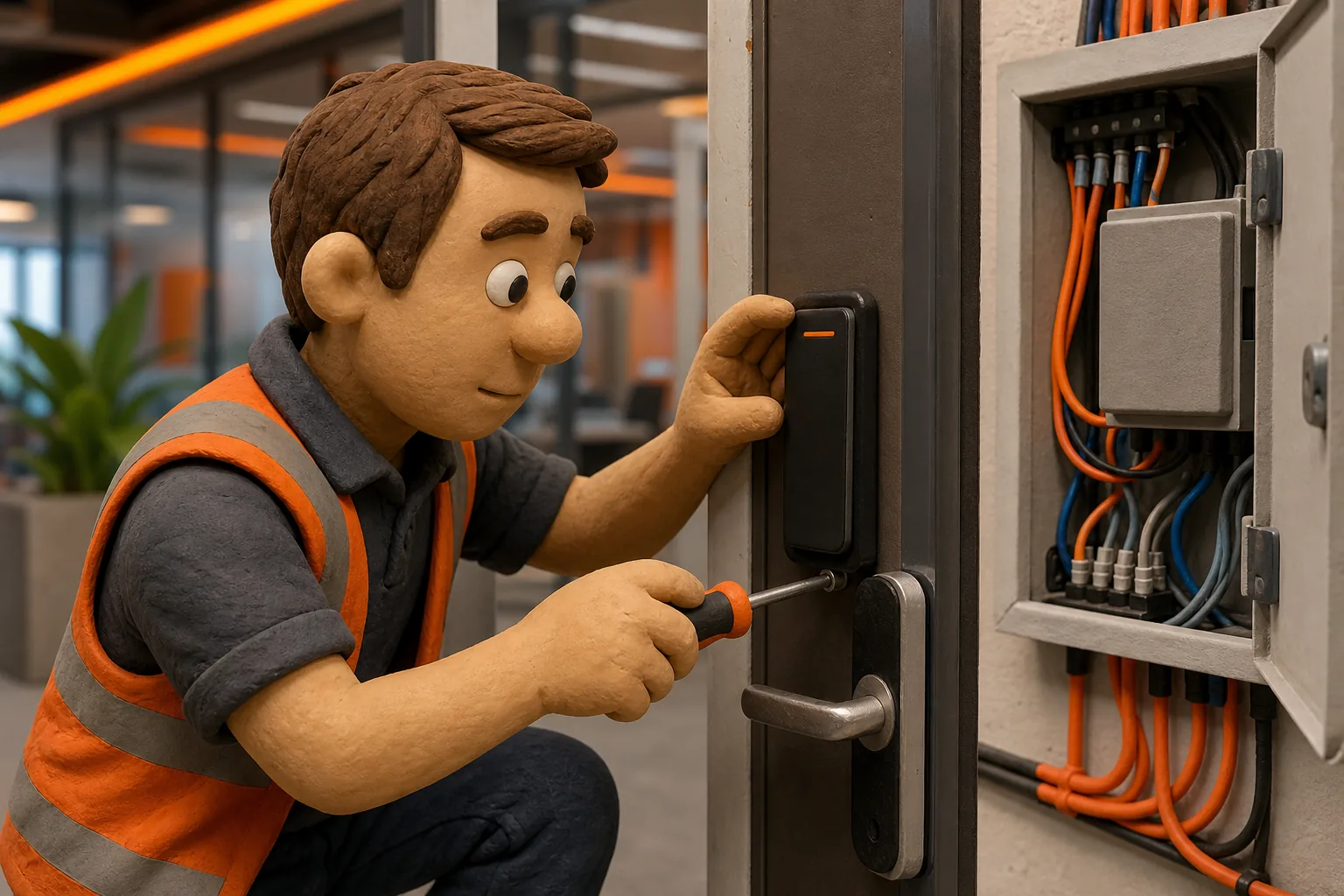
By now every door should have a labelled connection, a named configuration and a record of its intended behaviour. Do not hand the system to users yet.
Step 5: Test, Handover and Maintain the Installation
Testing proves that the access control system installation works under normal use and failure conditions. Test each door with an approved credential, a rejected credential and an expired or removed credential.
Check the full event record. It should show the correct person, door, time and result. Test schedules at the boundary of a permission period. Confirm that a user cannot enter a restricted zone by following someone through another door.
Run physical safety tests too. Open the door from the exit side. Operate the emergency release. Test the fire alarm interface if one is connected. Simulate loss of mains power and network service under the agreed procedure. Confirm that doors behave as designed and that staff know what to do.
Inspect the reader position and door alignment. A system can pass a software test while a loose closer leaves a door ajar. Check forced-door alerts, held-open alerts and any link to CCTV or an alarm receiving process.
Handover should include:
- Updated drawings and door schedules.
- Credential and permission records.
- Administrator details stored securely.
- Test results and fault notes.
- Cleaning and inspection guidance.
- A plan for software updates and support.
Train the people who will use the system each day. Show them how to add a user, remove a credential, review an event and respond to a door alarm. Keep the training focused on their actual role. A receptionist does not need the same access as a system administrator.
Set a maintenance cycle based on the site and equipment. Inspect locks, hinges, readers, cables and power supplies. Review permissions at set intervals. Remove dormant accounts. Check the backup process and restore a configuration when the maintenance plan calls for it.
The audit principle is useful: the installed work, test results and client paperwork should all match. That is the standard a careful handover should meet.
Keep a change log after launch. If a door changes use, update the risk assessment and permission model rather than adding a quick exception.
FAQ
How much does access control system installation cost in the UK?
Access control system installation costs vary with door count, lock type, cable routes, software and support. A single low-risk door is very different from a multi-site project with biometric readers and linked CCTV. Request a survey-based quote that separates hardware, labour, configuration, training and ongoing maintenance.
Is self-installation suitable for an access control system?
You can self-install some small systems, but commercial access control system installation usually needs a trained installer. Door safety, fire release, power supplies and data settings can all cause problems if missed. Use self-install only when the product and site are clearly suited to it, and get competent advice for escape routes.
What is the best credential for a business door?
The best credential depends on the door’s risk and traffic. Individual cards or fobs suit many staff entrances because each user has a separate record. A PIN may suit a low-risk store. A biometric method may suit a high-security area, but it needs a clear data protection reason and careful handling.
Does an access control system need a network connection?
Many access control systems use a network for management, event reporting or cloud access, but the exact design varies. Ask what happens during an outage. A well-planned system should preserve safe door operation, record events where possible and restore normal reporting after the connection returns.
How often should access control be maintained?
Access control system maintenance should follow the site risk, door use and manufacturer guidance. Review permissions at regular intervals and inspect the physical doors as part of planned checks. Test emergency release, power failure behaviour and alerts after changes. Busy sites may need closer checks than a quiet office.
Conclusion
Choose the system from the doors and risks outward, not from a product brochure inward. Start with a site survey and a door schedule, then ask Nexus Security Serviceses Ltd for a UK-focused review of the installation plan, security layers and handover needs before work begins.


0 Comments