

A security failure rarely begins with a dramatic break-in. More often, it is an old access card, a side door that no one checks, a camera obscured by a display, or an ex-employee’s account still active, creating potential security risks.
A practical office security checklist should begin with a physical security assessment covering the building, people, technology and response arrangements. It supports a wider review of your security, because a locked door means little if anyone can use a forgotten login.
Use the checks below to create a clear record of what is working, what needs attention and who owns each action.
Key takeaways
- Carry out a full physical security risk assessment at least once a year, then review relevant controls after an incident, office move, staffing change or significant building work.
- Keep a single list of access permissions for doors, networks, cloud services, keys, alarms and secure areas.
- Test camera coverage in real conditions, including darkness, glare, deliveries and busy reception periods.
- Treat visitor control as a routine process, not a reception desk ornament.
- Give named people deadlines for repairs, policy changes and staff training, then check the work has been completed.
- Check current guidance from the ICO, NCSC, HSE and GOV.UK alongside your organisation’s documented security policies and procedures, where data protection, cyber security and fire safety duties apply.
A security audit is only useful when it produces actions with owners and dates. A list of concerns without a decision is not a control.
Set up the office security checklist properly
Security is often split between facilities, IT, HR and a landlord. That is understandable, but it creates gaps. One team issues a pass, another removes an email account, and nobody checks whether the person can still enter the office at 8 pm.
Appoint a lead person for the audit, usually the office or facilities manager, and include IT, HR and a senior decision-maker. A building security risk assessment needs one accountable lead. In a smaller business, one person may hold more than one role. The point is not a grand committee. It is clear responsibility.
Record risks and evidence
Walk the premises with a floor plan, your incident log, staff list and current supplier contacts. Use the walk-through for hazard identification, as well as spotting security weaknesses. Note what you see rather than relying on assumptions. Photograph faults where appropriate, record the date, and rank each issue by likelihood and potential harm.
Useful evidence includes access-control reports, visitor logs, key registers, security policies and procedures, CCTV test results, alarm maintenance records and cyber security reports. Keep the findings somewhere controlled, not in an open shared folder.
Review on a sensible timetable
There is no single UK rule that says every office must complete a physical security audit annually. An annual physical security risk assessment is a sound working baseline for most businesses. Monthly visual checks and quarterly permission reviews catch the routine faults that annual audits miss.
Repeat relevant checks after any break-in, lost key, dismissed employee, system outage, change of tenant, refurbishment or move. Security changes with the office. It is not a document to file away and forget.
Inspect the building perimeter and access points
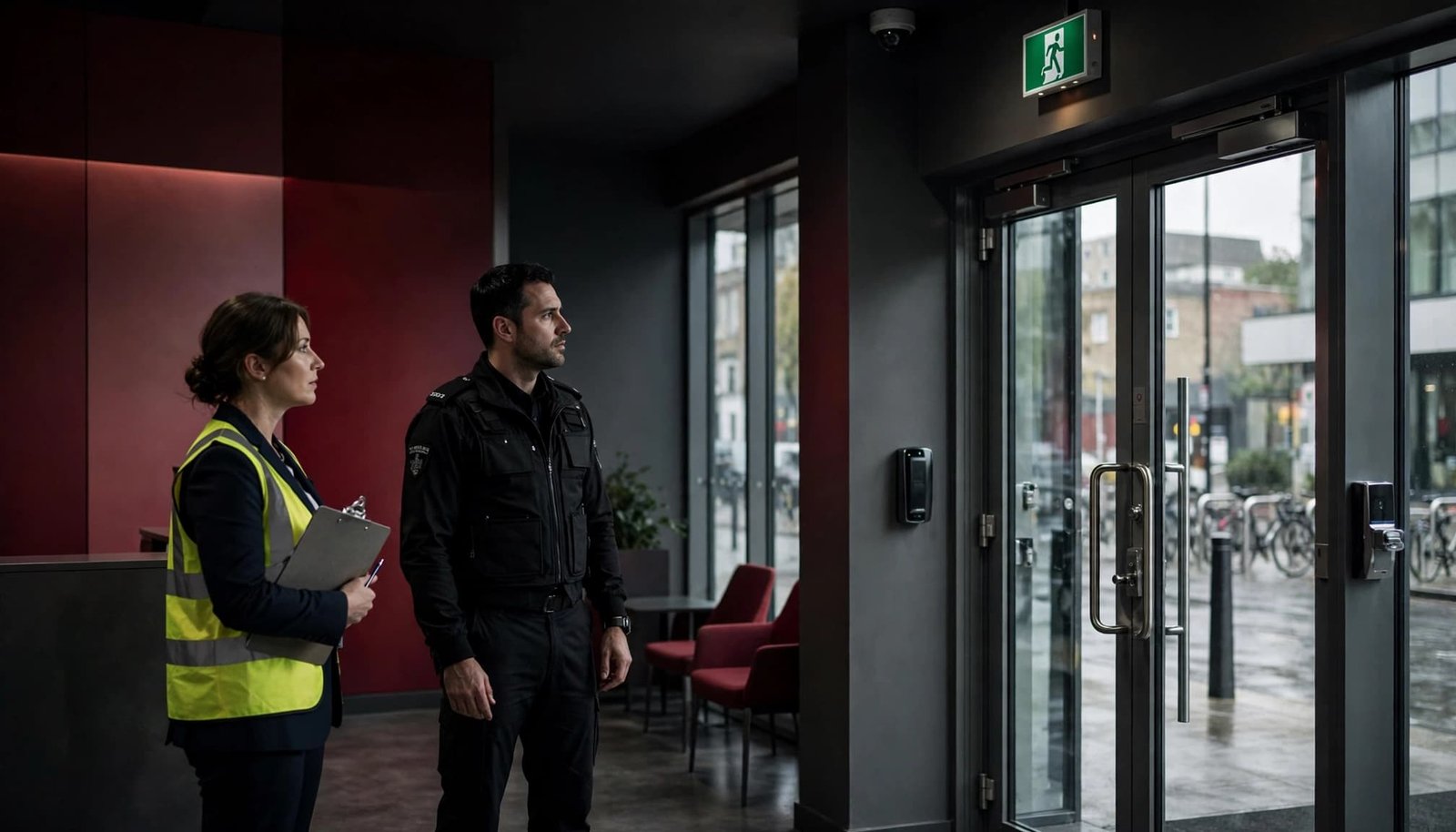
Good office building security starts outside. A secure reception is of limited value if an unlit rear entrance, unsecured delivery bay or ground-floor window offers an easier route in.
Include the perimeter in a building security risk assessment. Check every route a person could take as part of a physical security risk assessment, including car parks, bin stores, roof access, neighbouring shared corridors and fire exits. Consider how the office works after normal hours, not only when the building is busy.
Check doors, windows and shared areas
Inspect external doors, frames, hinges, closers and locks for damage or poor alignment. Confirm that fire doors close properly and are never held open with wedges or furniture. Fire safety requirements and security measures must work together.
Check that accessible windows lock as intended and that staff know who holds master keys. If the building is managed, clarify the division of responsibility between your business, the landlord and any managing agent. Vague responsibility is a familiar fault.
Look for tailgating opportunities at reception, turnstiles and shared entrances, and test whether access control systems prevent and record unusual entry attempts. Staff should feel able to challenge unfamiliar people politely, or direct them to reception.
Check lighting and physical deterrents
Review physical security measures as a whole, including lighting, locks, trimmed foliage and controlled delivery points. Test external lighting after dark. Glare can be as unhelpful as darkness if it prevents a camera or receptionist seeing an approaching person. Trim foliage that hides doors, windows and cameras.
Review deliveries too. Parcels, couriers and contractors create legitimate reasons for people to approach restricted areas. Set a defined collection point and don’t allow unattended deliveries to block escape routes or reception sightlines.
Review access control and restricted areas
Access control systems should reflect a person’s current job, not the role they had six months ago. Review permissions for door cards, fobs, mobile credentials, keys, alarm codes, lockers, server rooms and confidential filing.
Your HR joiner, mover and leaver process should trigger the same changes every time. A member of staff leaving at short notice still needs their access removed promptly.
Match permissions to real roles
Create access groups around actual work needs. Reception, finance, HR records, stock rooms, communications cabinets and senior management areas should not be open by default.
Review access reports quarterly, with HR confirming who is employed, who is on long-term leave and who has changed role. Investigate repeated denied-entry events, as they may indicate attempted unauthorized access or an incorrectly assigned permission.
For higher-risk areas, a commercial access control system may combine a door credential with a locked cabinet, sign-in record or manager approval. One simple barrier may be enough for stationery. It is not enough for company data or critical infrastructure.
Control visitors, contractors and keys
Use visitor management as a documented process. Visitors should sign in, wear a temporary badge where appropriate, and be escorted beyond reception unless there is a clear reason not to. Contractors need the same care, especially when they work outside normal hours or require access to plant rooms and network spaces.
Keep a key register that records issue, return and replacement. Do not leave master keys in an unlocked drawer because it is convenient. Convenience is usually the explanation after an avoidable incident.
Test cameras and protect the data they create
Video security systems such as CCTV can deter unauthorised access, support investigations and improve staff safety. They aren’t a substitute for good lighting, proper locks or a staffed response.
Walk the site while viewing live images where possible. Review security camera placement at entrances, reception, corridors, car parks, loading areas and equipment stores.
Look for blind spots and poor footage
Test the cameras in daylight and after dark. Look for glare from windows, shadows, blocked views, dirty lenses, poor focus and weak coverage at the edge of the frame. Make sure the time and date settings are correct.
Check that authorised staff can retrieve recordings and that storage capacity is known. A failure alert should reach someone who can act. Surveillance cameras that haven’t recorded for weeks are decorative, not protective.
Confirm that recordings can be retrieved by authorised staff, that storage capacity is known, and that a failure alert reaches someone who can act. A camera that was installed but has not recorded for weeks is decorative, not protective.
Use video surveillance lawfully and proportionately
Recorded footage is personal data when people can be identified. The ICO’s guidance on CCTV and video surveillance covers installation, operation, public awareness and data protection responsibilities.
Set a documented purpose for each camera, restrict who can view footage, and use clear signage where required. Retention periods should be justified by your needs. The ICO’s own one-month retention policy is a useful reference point, not a blanket legal limit for every business.
Link physical security with cyber security
A stolen laptop, exposed network cabinet or former employee’s mailbox can cause more damage than a broken window. The strongest office security checklist works alongside a cybersecurity checklist, joining physical controls with account security and recovery plans.
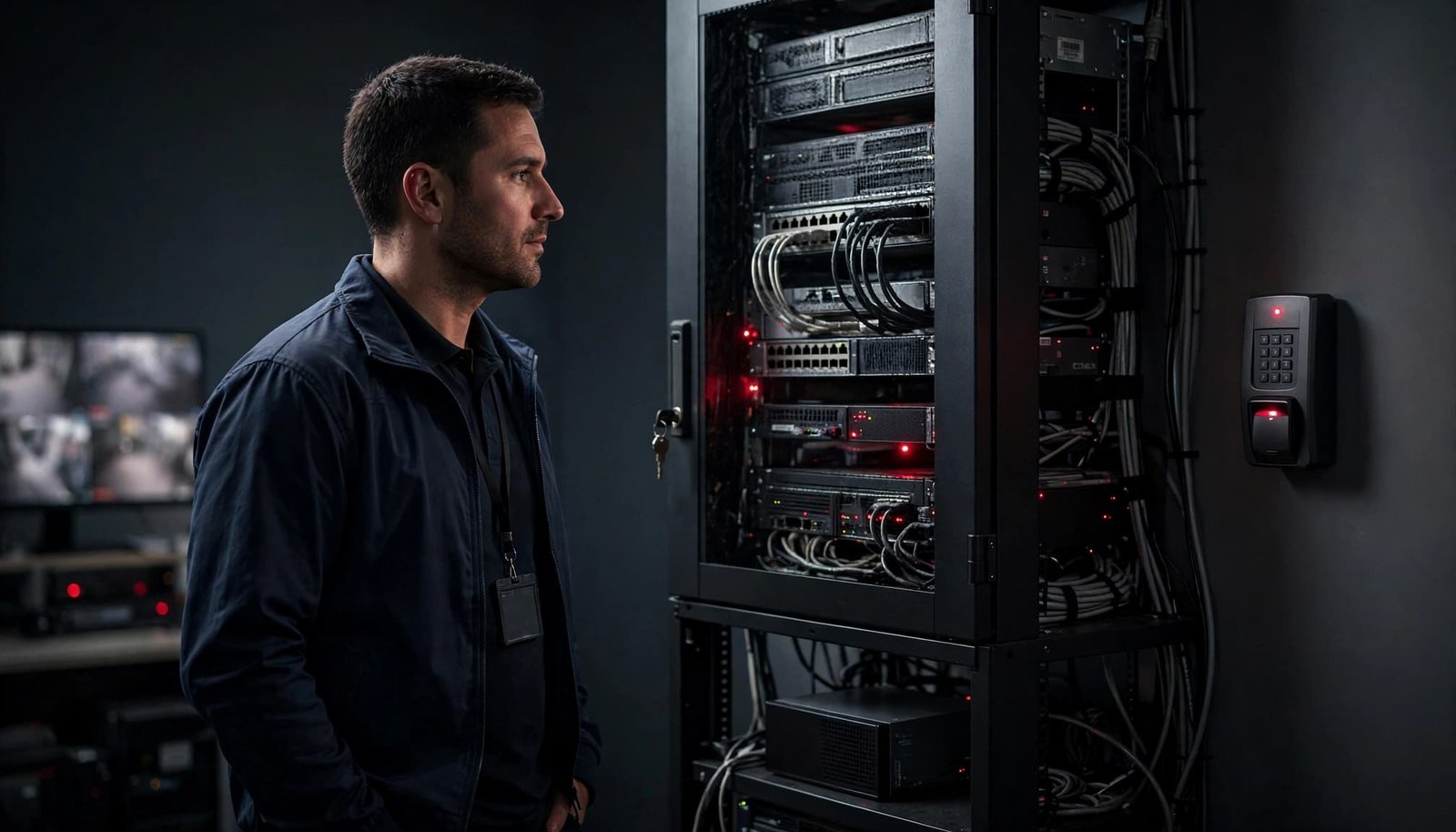
IT should join the site walk and physical security assessment. Check where routers, switches, backup drives, printers, Wi-Fi equipment and network cabinets sit. An unlocked cupboard in a quiet corridor is an invitation to interference.
Protect accounts, devices and networks
Use multi-factor authentication on important accounts, particularly email, finance, remote access and administrator accounts. The NCSC guidance on passwords and MFA explains why stronger authentication methods reduce the risk from stolen passwords and phishing.
Require screen locks, data encryption on portable devices, supported software and automatic updates. Periodic manual update checks still matter, particularly for specialist equipment that may not update itself.
Limit administrator rights and remove shared logins where possible. A named account provides an audit trail. A generic account provides uncertainty.
Test backups and staff reporting
The NCSC’s small organisations cyber security guide groups its baseline around backups, malware protection, mobile devices, password protection and phishing awareness.
Automate backups where appropriate, use data encryption for backup copies or removable media, and keep copies protected from day-to-day systems. Test a restore. A backup you have never restored is an assumption.
Give staff a simple route to report suspicious emails, lost devices, unknown visitors and damaged locks. Training should use the situations people encounter, not vague warnings that disappear after induction.
Prepare for fire, weather and disruption
Security also means protecting people and maintaining the ability to work after disruption. This supports workplace safety as well as business continuity. Fire, other natural disasters, power loss and a failed access system all need a practical response.
The responsible person should check current GOV.UK fire risk assessment guidance and take competent advice where needed. This is not an area for guesswork.
Keep evacuation arrangements workable
Confirm emergency evacuation procedures cover clear escape routes, tested emergency lighting, working fire doors and known assembly points. Review arrangements for visitors, contractors and anyone who may need personal assistance during an evacuation.
Train fire wardens and practise drills at suitable intervals. Record hazard identification findings, assign corrective actions and address problems such as blocked routes, staff using lifts or confusion over who checks particular areas.
Plan for the office being unavailable
Identify the systems and records needed to keep trading. A building security risk assessment should consider flood exposure, power failure and access-system failure. Decide who can authorise temporary closure, contact the alarm provider, speak to insurers, notify staff and arrange remote working.
For flood-prone locations, consider elevated storage, protected electrical equipment and current Environment Agency warnings. Keep emergency contacts offline as well as on company systems. A phone list trapped behind a failed login does not help.
Printable office security checklist
Use this short version as a security audit checklist during monthly checks. After the physical security assessment, attach notes and actions from the full audit.
| Check | Owner | Review frequency |
|---|---|---|
| Inspect external doors, windows, lighting and fire exits | Facilities manager | Monthly |
| Reconcile staff, visitor, contractor and key permissions in the relevant access control systems | HR and facilities | Quarterly, and after role changes |
| Check restricted rooms, cabinets and equipment storage | Facilities and IT | Monthly |
| Test camera views, recording, timestamps and retrieval | Facilities or security provider | Quarterly |
| Review camera purpose, signage and footage access | Data protection lead | Annually, and after changes |
| Apply updates, review MFA and remove old accounts | IT manager | Monthly |
| Test backup restoration and incident contacts | IT manager | Quarterly |
| Review fire arrangements and disruption plans | Responsible person | Annually, and after material changes |
For each failed check, record the problem, risk level, corrective action, owner and completion date. Re-test the control once the work is complete. That final check is where a security audit becomes a reliable operating routine.
Frequently asked questions
How often should an office security audit take place?
Most UK businesses benefit from an annual full review, supported by monthly inspections and quarterly access-permission checks. Review sooner after incidents, staff changes, building works, new systems or a change in risk.
What vulnerabilities appear most often?
Common faults include unreturned keys or passes, tailgating, poor lighting, fire exits used as informal entrances, expired user accounts, unprotected server cabinets and CCTV blind spots. None are unusual. Leaving them unresolved is the problem.
Does CCTV make an office secure?
CCTV helps with deterrence, visibility and investigation, but it cannot stop an intruder on its own. It works best alongside access control, lighting, clear visitor rules, secure equipment storage and a response procedure.
A security routine people can follow
The useful office security checklist is the one that turns a physical security assessment into assigned, evidenced and revisited actions. Keep the process practical, assign real owners and treat small faults as early warnings.
A door, an account and a camera are all parts of the same responsibility: knowing who can enter, what they can access and how your business responds when something goes wrong.


0 Comments